
Performance & Fixes
Fix Order of the Sinking Star performance issues: low FPS boosts, Intel iGPU crash fixes, memory error solutions and the best Steam Deck settings recommended by players.
Introduction
Order of the Sinking Star is demanding hardware in puzzle-game clothing, and this section exists because the demo's launch window produced a wave of legitimate performance complaints. Mid-range GPU owners reported frame rates near 15 FPS in titles-adjacent games that run smoothly elsewhere; Intel integrated graphics users documented crashes on launch; and a Not-enough-memory error became common enough to spawn its own troubleshooting threads. The developers have responded with a beta branch carrying optimization work — Steam Deck reaching 60 FPS on most levels and a dedicated Very Performance graphics preset — but pre-launch, community-tested fixes remain essential reading. Every guide here separates verified solutions from speculative ones, cites whether the official team or player reports back each claim, and prioritizes fixes by how many players they help. Nothing here requires technical expertise beyond Steam's built-in tools.
Known Issues & Fix Status
| Issue | Affects | Fix Status | Source Confidence |
|---|---|---|---|
| Low FPS mid-range GPUs | Widespread | Mitigations beta branch + settings | High — official + community |
| Intel iGPU launch crash | Integrated graphics | Workaround community-documented | Medium — unconfirmed officially |
| Not enough memory error | 8GB systems | Patch pending reduce settings + close apps | Medium |
| Gem zone progress loss | After crashes | Manual saves until patched | Medium |
| Translation errors | Non-EN locales | Reported awaiting fix | Low — isolated reports |
Fix Toolkits
Beta Branch Optimizations
Official performance work targeting Deck-class hardware
Intel iGPU Workaround
Community-documented fix for integrated-graphics launch crashes
Memory Error Triage
Handling Not-enough-memory failures on 8GB systems
Settings Priority Stack
Which graphics options buy the most frames per step down
Gem Zone Save Discipline
Protecting carry-over progress from a known crash pattern
Core Mechanics
Understanding why this game stresses GPUs helps every fix make sense. The engine is Thekla's custom Jai-built technology rendering fully 3D scenes for what looks like a top-down 2D game — lighting, shadows and world-collision effects all compute continuously, and early builds spend that budget generously regardless of scene simplicity. This means frame-rate recovery comes disproportionately from settings reductions that would barely matter in optimized engines: shadow quality, effect density and resolution scaling each buy large gains. The beta branch attacks the problem structurally, with official communication confirming Steam Deck targets and the Very Performance preset. Memory errors follow different logic — they reflect allocation spikes during zone transitions, which is why closing background applications and lowering texture pools helps more than in-game adjustments.
Advantages
Investing an evening in this section pays off for the entire life of your save. Players applying the full settings stack report transformations from slideshow to smooth — the difference between abandoning the demo and completing it before launch. Because fixes here are ranked by confidence source, you spend effort only where evidence supports it: official patches first, high-consensus community workarounds second, experimental tweaks last. The Steam Deck guidance deserves special mention — verified-status questions dominated pre-launch discussion, and our settings page consolidates the exact configurations beta testers found hitting 60 FPS across most content. Finally, understanding the gem-zone crash pattern converts a scary bug into manageable routine: manual-save discipline protects hours of carry-over progress from a known failure mode.
Challenges
Honest limits apply throughout. Community workarounds — including the widely-shared Intel iGPU crash fix — remain unofficial, and any fix can break with the next build; every page carries last-verified dates for exactly this reason. Some problems lack good answers entirely: low-end integrated graphics below the Intel-crash cohort may simply fall under minimum spec until optimization lands, and no setting recovers playable framerates on hardware that far beneath requirements. The beta branch itself introduces variance — optimizations arrive and regress between builds, so yesterday's best configuration may need revisiting after updates. And while translation-error reports are real, they represent cosmetic issues our guides document rather than solve; language fixes ride the same patch train as everything else.
Frequently Asked Questions
Why does the game run badly on decent hardware?+
What are the best settings for more FPS?+
How do I fix the Intel iGPU crash?+
Is it good on Steam Deck?+
Quick Tips
Verify game files through Steam before any other troubleshooting. A surprising share of launch-crash reports resolve to corrupted downloads, and the check takes two minutes.
Update GPU drivers before judging performance. Both major vendors shipped puzzle-relevant optimizations during the demo window, and old drivers exaggerate every issue on this page.
Save manually before and after gem-zone sessions until the progress-loss reports stop. The thirty seconds of discipline has protected hours of carry-over banking.
Re-test settings after every patch. Beta-branch optimization changes which knobs matter — a config tuned two builds ago may be leaving free frames on the table today.
Featured
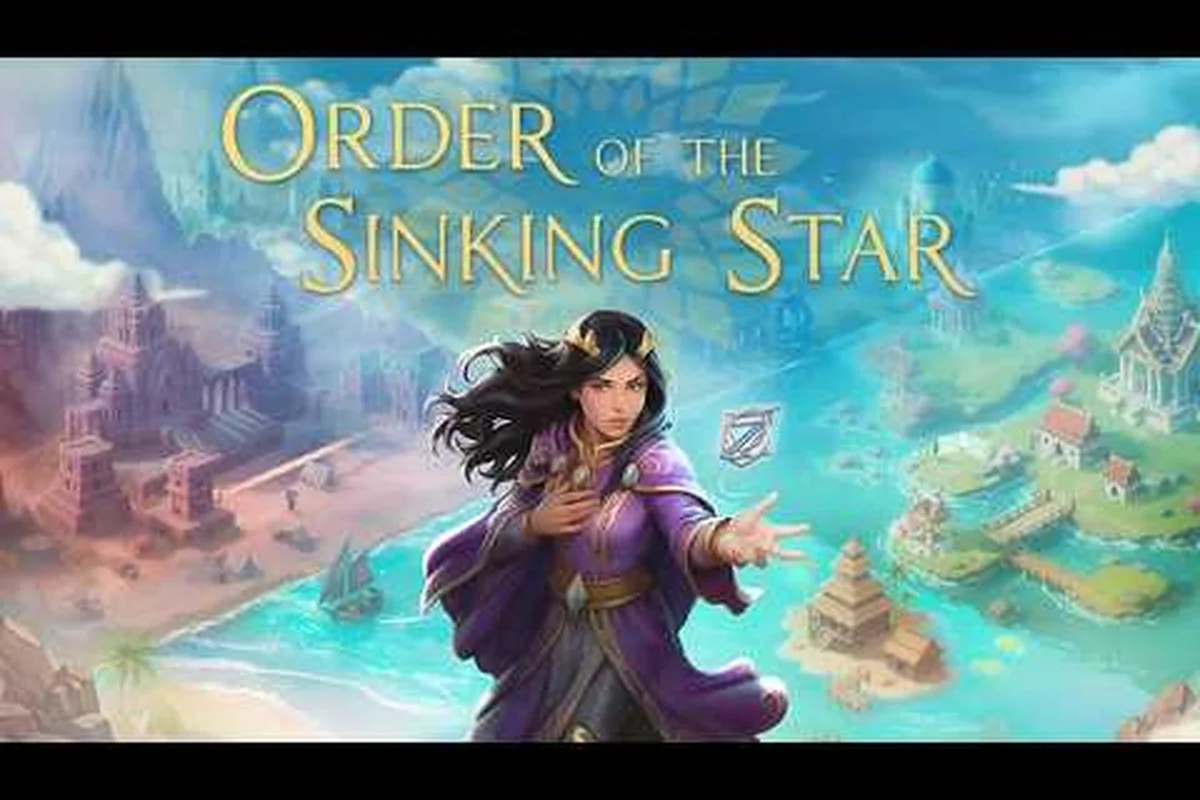
Order of the Sinking Star FPS Fix: Low FPS Solutions
Fix low FPS and stuttering in Order of the Sinking Star. Learn the beta branch tweaks for Intel iGPU crashes, launch crashes, and reach 60 FPS.
Order of the Sinking Star Intel Graphics Fix: Out of Memory
Fix the Order of the Sinking Star intel graphics crash and 'not enough memory' error. Learn the beta branch workaround and minimum GPU specs for stable play.
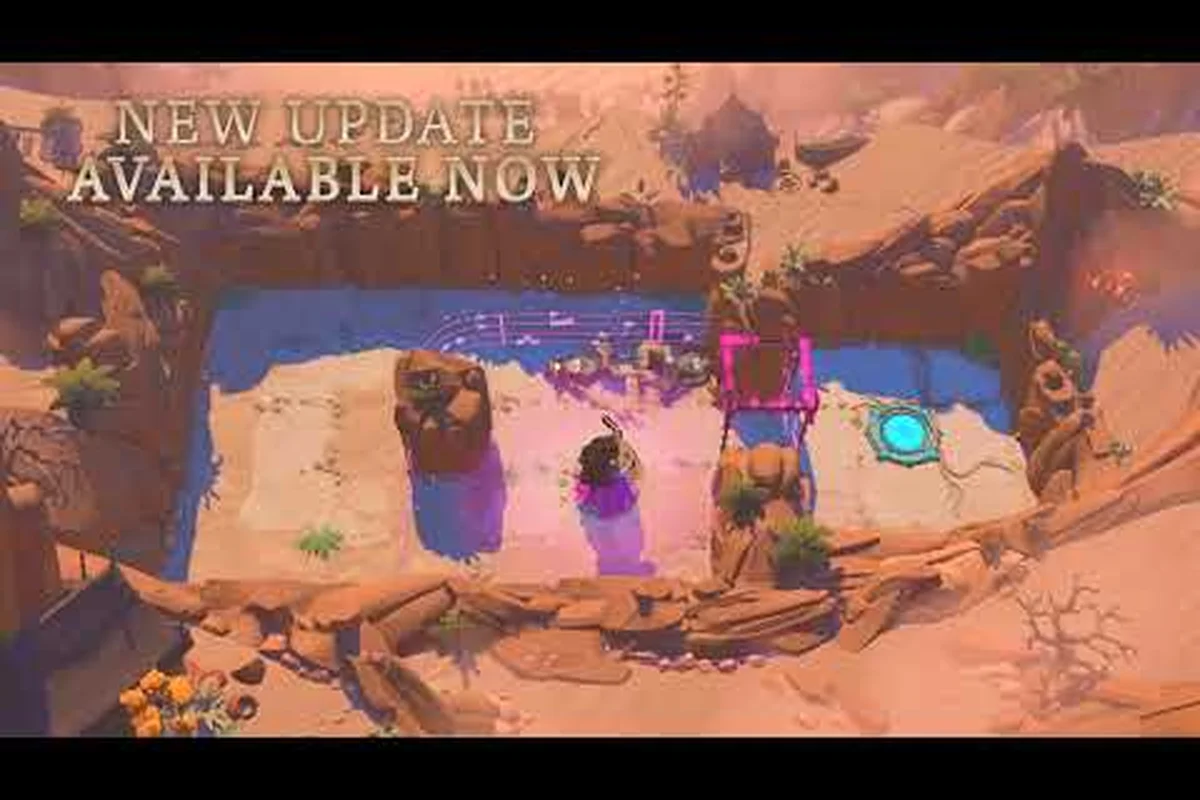
Order of the Sinking Star Known Bugs: Skip Charm Fixes
Tackle Order of the Sinking Star known bugs like the skip charm glitch and translation errors. Learn driver updates and verify game files for a smooth run.
All Articles
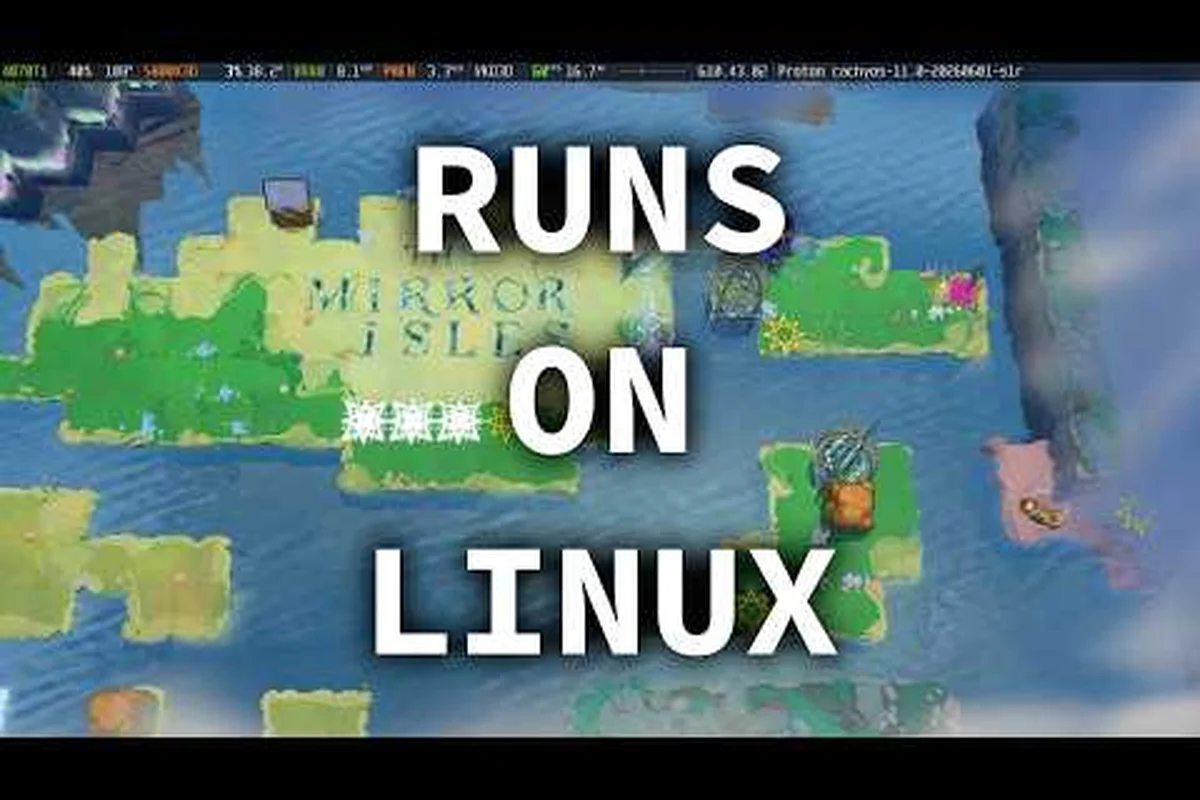
Order of the Sinking Star Best Settings: Beta Branch Update
Fix the 'screen impossible to look at' error with Order of the Sinking Star best settings. Apply the beta branch update for stable, smooth visuals.
Order of the Sinking Star Reinstall Demo: Fix AMD GPU
Improve Order of the Sinking Star reinstall demo performance on AMD and laptops. See why demanding hardware struggles and how to meet the PC requirements.
Order of the Sinking Star Steam Deck Performance Wins
Boost Order of the Sinking Star Steam Deck performance with the beta branch update. Get the best graphics settings and reach 60 FPS on most levels.